Manufacturing MES guides for the shop floor
What you will find in this cluster
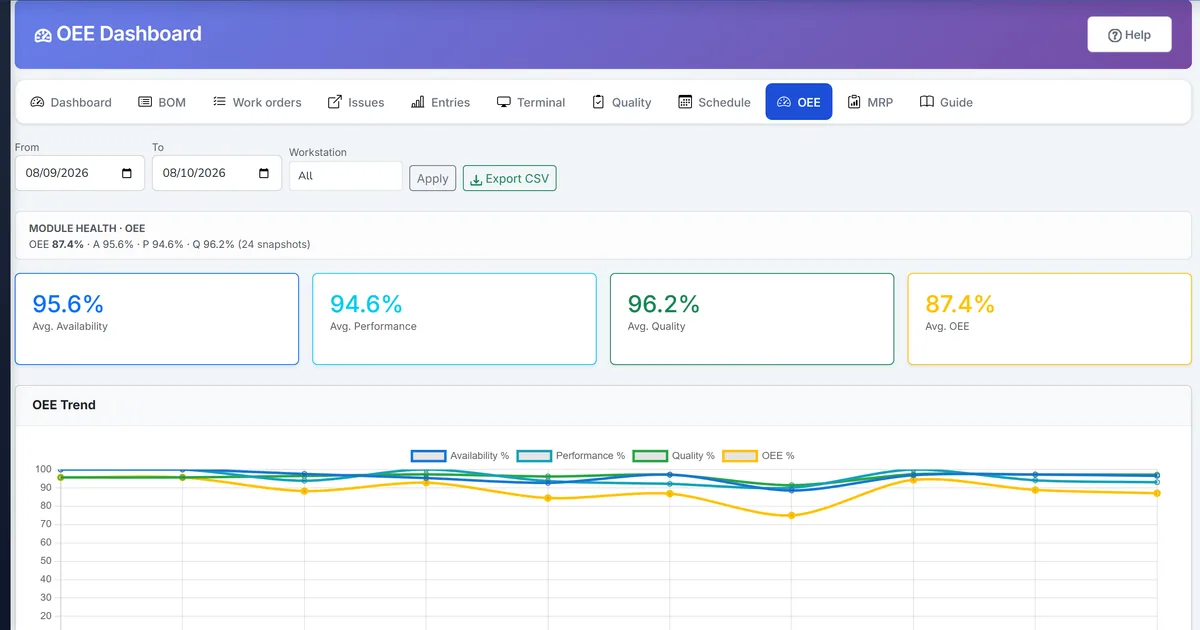
Small factories outgrow clipboard totals long before they need a standalone MES. These six guides show how to capture good and scrap at the machine, clock operations, monitor OEE, drag jobs on a scheduling board, explode BOM demand with MRP-lite, and trace lots forward and backward — all inside Biznsbook Manufacturing.
MES-lite guides
Long-form guides for terminal capture, labor time, OEE, downtime, scheduling, MRP-lite, and genealogy — each linked to Help Center flows and Summit Pack demo data for screenshots.
Related help articles
Screen-level Biznsbook how-tos for production posting and quality:
Frequently asked questions
What is MES-lite in Biznsbook Manufacturing?
MES-lite is shop-floor execution layered on existing work orders and production entry: terminal capture, operation time, OEE, machine downtime/maintenance, scheduling board, MRP-lite, and genealogy — without duplicate inventory posting.
Does the shop-floor terminal create a second stock pipeline?
No. Terminal sessions complete through the same Production Entry path as back-office posting.
How is this different from core manufacturing guides?
Core guides cover BOMs, work orders, WIP, and costing. This cluster focuses on machine-level capture, OEE, scheduling, MRP-lite, and traceability.
Where do I start?
Release a work order, log output on the shop-floor terminal, and review OEE the same shift.