Purchasing guides from reorder to supplier payment
What you will find in this guide cluster
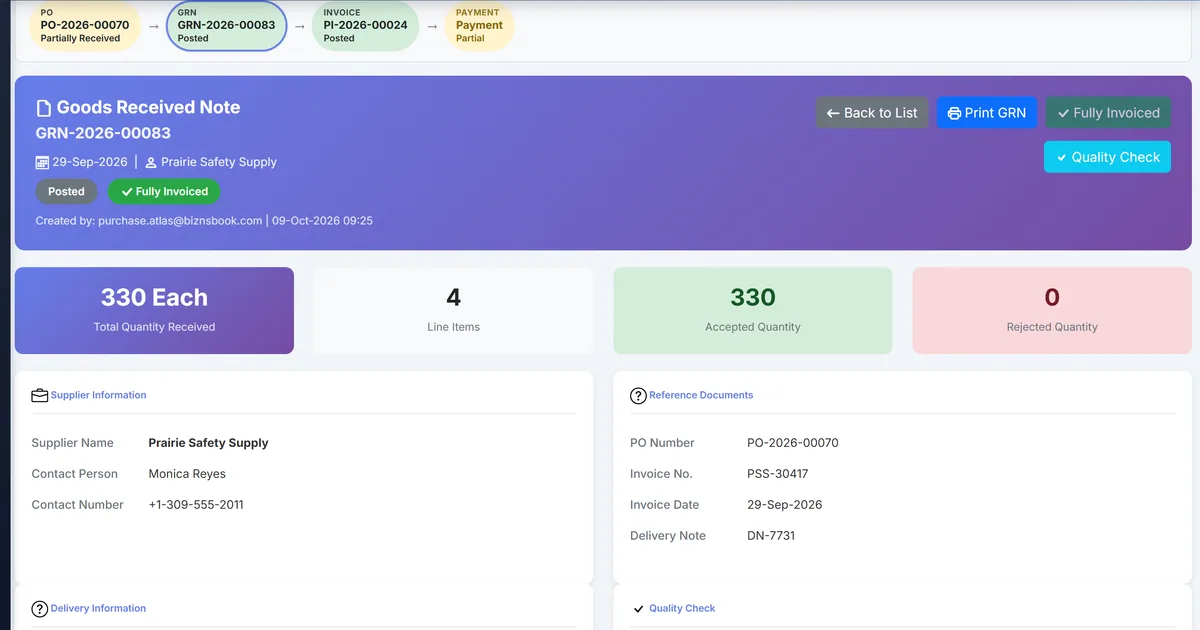
These guides are for buyers, store keepers and accounts payable teams. Each one follows Biznsbook Purchase: purchase orders, goods receipts, supplier bills and payments, with stock and accounts payable updated on the same records.
Guides in this cluster
Each guide has a direct answer, a step-by-step process, a comparison table, and FAQs.
Start here
Product overview, the edition, and the guides for the step before an order.
Industry solutions
Frequently asked questions
What is purchasing software in an ERP?
It records what you order from suppliers, what arrives and what you owe, on linked documents: purchase order, goods receipt and supplier bill. In Biznsbook those post to stock and, with Accounting, to accounts payable.
Do I need Procurement as well?
No. Purchase covers orders, receiving, bills and payments. Procurement is an optional add-on for requisitions, approvals, requests for quote and contracts before an order.
Can I buy Biznsbook just for purchasing?
Yes. The Purchasing edition on the pricing page bundles Purchase with receiving into stock and accounting, and pre-selects Procurement and Documents from Pro.